
The complete guide to small business automation (2026 edition) starts with fixing the systems that silently cost you revenue. Small businesses don’t fail because they’re bad at their craft—they fail because they’re bad at follow-up, organization, and consistency. The average local business loses thousands every year simply because no one responds fast enough, no one tracks leads properly, and no one follows up after the first contact.
Automation changes that. Not by replacing people, but by taking over the repetitive work that people never do reliably. In 2026, small business automation is no longer a “nice to have.” It’s the only competitive advantage most local service companies can afford.
This guide breaks down exactly what automation is, how it works, and how any business—contractor, real estate agent, coach, fitness trainer, cleaning service, spa, or consultant—can use it to grow faster with less effort.
Disclosure: Some links on this page are affiliate links. If you sign up through them, I may earn a commission at no extra cost to you.
Click Here For Your Free Trial: https://angeloautomationtools.com
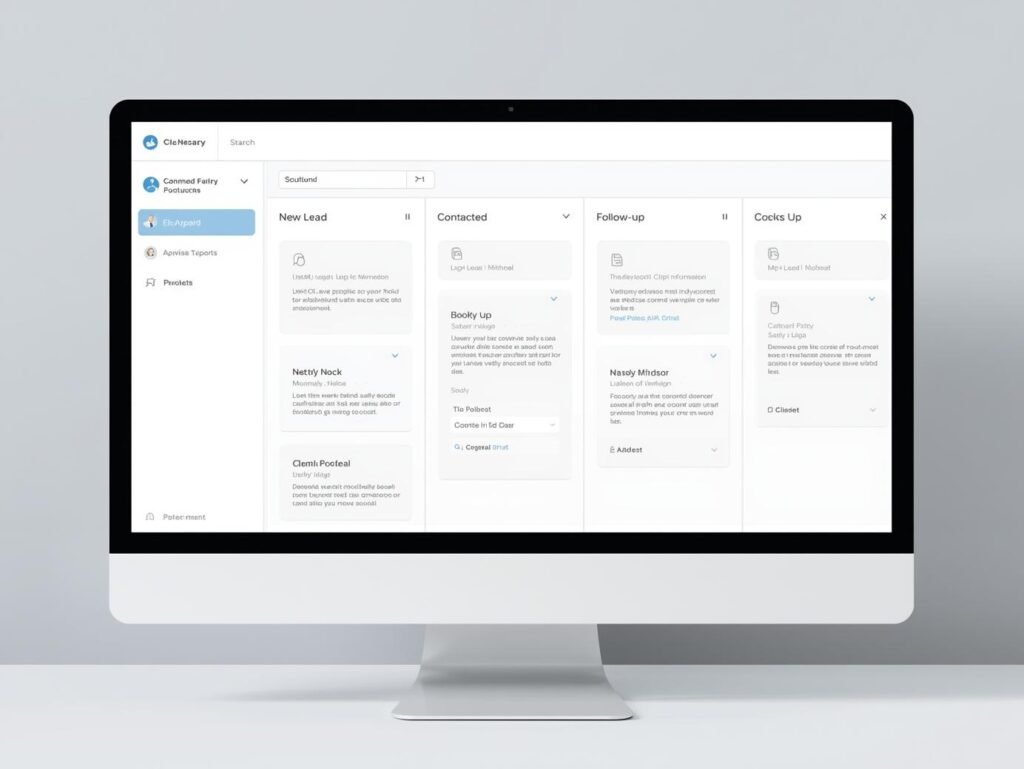
What Exactly Is Small Business Automation?
Automation in small business means using software to run tasks that would normally require manual work. Things like:
- Sending follow-up messages when leads come in
- Scheduling appointments automatically
- Updating customer profiles
- Sending reminders
- Tracking pipeline stages
- Managing reviews
- Delivering onboarding emails
- Triggering tasks based on customer actions
The point is simple:
Automation removes human inconsistency.
You can miss a text. Your software won’t.
Why Most Local Businesses Bleed Money
Most business owners think their problem is leads. It’s not.
The real leak is their follow-up system.
Here’s what usually happens:
Someone fills out a form… gets no reply.
Someone calls… voicemail.
Someone asks for a quote… delayed.
Someone wants to book… no system in place.
The average response time for small service businesses is over 4 hours.
Customers expect under 5 minutes.
Automation closes that gap instantly.
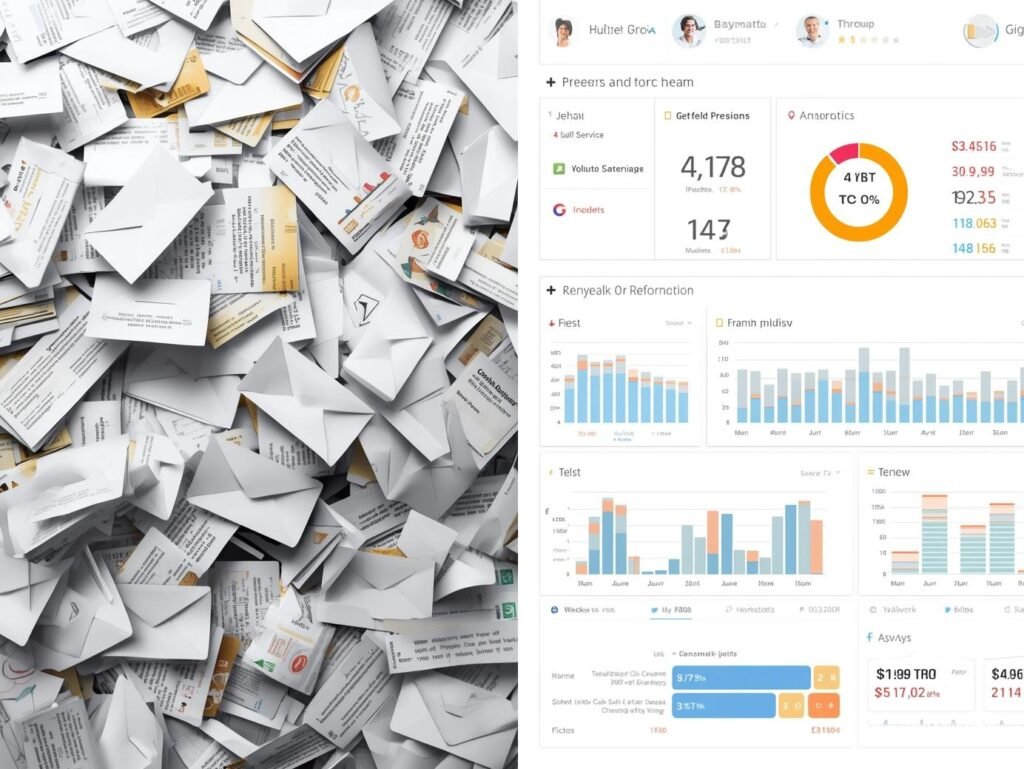
The Core Automation Systems Every Business Needs
1. Instant Lead Response (The Fast-Reply System)
When a lead comes in—website, Google listing, ad, social media—you should automatically:
- Send an SMS
- Send an email
- Notify the business owner
- Start a follow-up sequence
This alone increases conversions 2–5×.
Fast responders win. Everyone else loses.
2. Automated Appointment Booking
Every business that books calls, sessions, or consultations needs:
- An online booking calendar
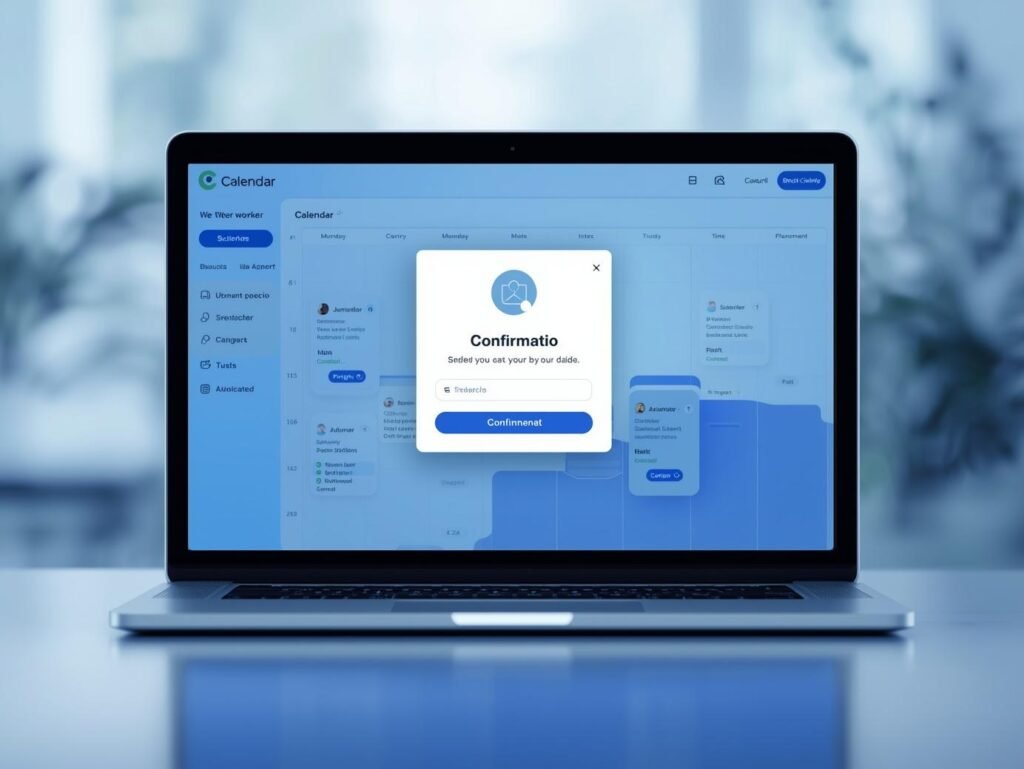
- Automated confirmations
- Automated reminders
- Automated rescheduling
This cuts no-shows by 30–50% overnight.
3. Review Automation
Most businesses rely on “hoping” customers leave reviews.
Automation fixes that:
- After a job is completed → send review request
- Filter bad feedback privately
- Push positive reviews to Google
More reviews = more referrals + more trust.
4. Customer Nurturing Sequences
Most leads are not ready to buy immediately. Automation lets you:
- Send educational content
- Drip reminders
- Share testimonials
- Keep your brand present
The business that follows up the longest wins the most.
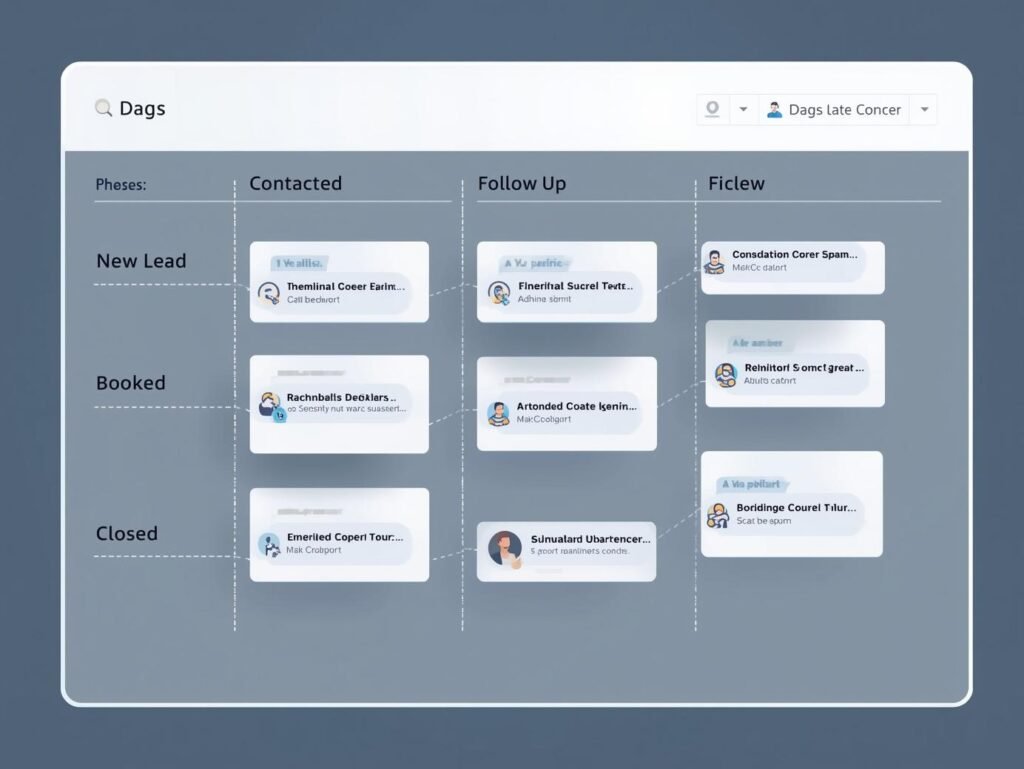
5. Pipeline Tracking & Sales Forecasting
Automation ensures you always know:
- How many leads you have
- Where each lead is in the pipeline
- What revenue is expected
- What deals are stuck
- Who needs follow-up
You can’t grow what you don’t track.
Click Here For Your Free Trial: https://angeloautomationtools.com
The #1 Automation Platform for Small Businesses
A modern CRM handles email, SMS, funnels, pipelines, automations, calendars, payments, support, and customer data in one system—no more duct-taping tools together.
For service businesses, agencies, and consultants, this type of all-in-one platform replaces:
- Calendly
- Mailchimp
- Zapier
- Google Sheets
- CRM spreadsheets
- Texting apps
- Review platforms
- Sales pipelines
One tool. One login. One dashboard.
This reduces operational chaos and makes scaling actually possible.
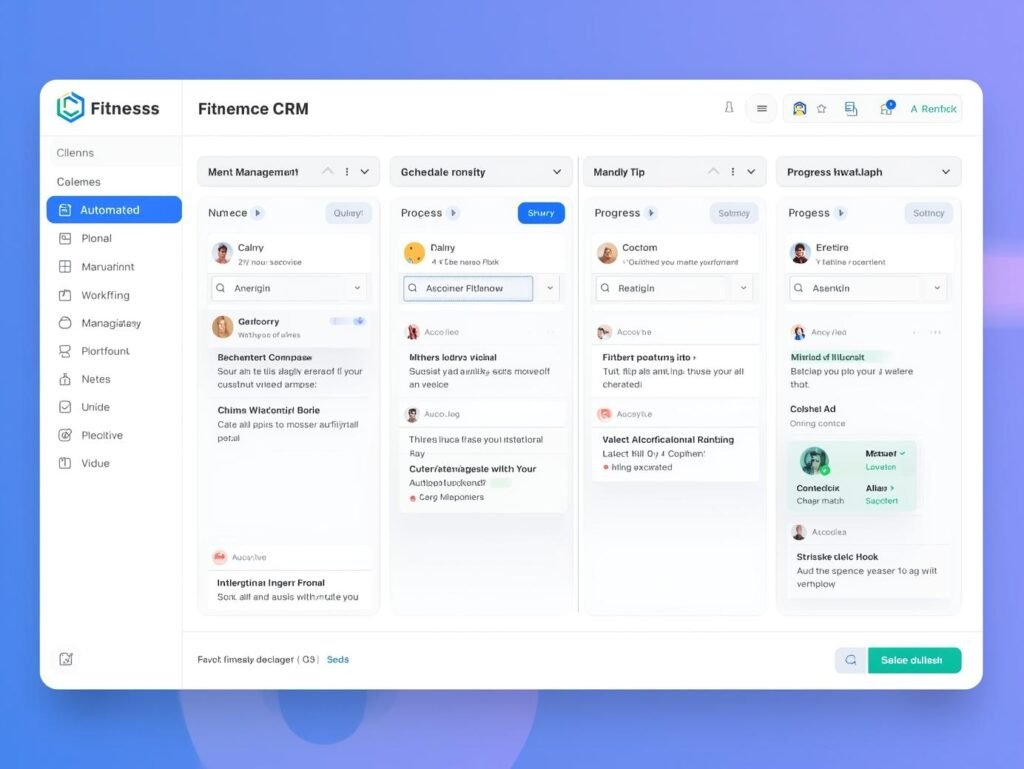
Real-World Example: A Fitness Coach Using Automation
A personal training business implemented:
- Automated lead response
- SMS reminders
- Review requests
- Monthly check-in workflows
Within 90 days they:
- Cut cancellations by 40%
- Added 112 new reviews
- Increased recurring revenue 27%
Not by getting “more leads.”
But by fixing the backend.
Click Here For Your Free Trial: https://angeloautomationtools.com
Why Automation Is Now a Survival Tool
In 2026, people expect:
- Fast replies
- Easy scheduling
- Clear instructions
- Instant confirmations
- Consistent communication
If you don’t offer it, your competitor will.
Automation doesn’t replace your business.
It makes your business finally operate at the level the market demands.
How Small Businesses Should Start (Simple Plan)
If you’re overwhelmed, start here:
- Install instant lead response
- Set up an online calendar
- Build basic follow-up automation
- Add review automation
- Create a simple lead nurture sequence
That’s it.
These five systems alone put you ahead of 90% of your competition.